MetaMask token approvals set limits on a spender's access to tokens
Metamask token approvals let a spender move a specified ERC-20 token within an authorized spending cap. The allowance applies to an account, token contract and spender on a particular network. A finite cap limits permitted spending. Revocation changes the on-chain permission and requires network execution; disconnecting an app leaves an existing allowance active.
An approval usually enables a later swap, deposit or staking action without transferring tokens by itself. The permission's form matters: a standard allowance, signed permit and NFT operator approval impose different limits. Review the requested authority before treating approval as routine.
Revoking an allowance changes future spending permission, while tokens already transferred remain outside the scope of that revocation.
Spending permissions for swaps, deposits and staking
Apps use approvals when their contracts need to pull tokens from your address for a swap, deposit or staking action. The token contract records the allowance, with
approve
setting permission and
transferFrom
using it to move tokens in the standard ERC-20 flow. Approval alone establishes spending authority; it does not confirm the intended app action has happened.
The approval transaction's destination is normally the token contract, while its data identifies the spender receiving permission. An application may use several contracts, so approving one spender does not approve every contract it uses. The app's displayed name is insufficient to identify the token contract or spender.
How much access does a spending cap give an app?
A finite ERC-20 allowance limits the total amount the spender can withdraw through that permission, across one or several transfers. The allowance can exceed your current balance, since it records permission rather than the tokens you hold.
A finite allowance
A cap sized to the intended token spend limits how much authority remains afterward. Conventional finite allowances decrease as the spender uses them, and a token transfer can fail if the app needs more than the remaining allowance. Increasing a cap grants additional authority, so the required token amount and exact spender remain relevant each time.
An effectively unlimited allowance
A very large allowance reduces repeated approval requests while leaving substantial permission active. Some token implementations treat the maximum allowance as unlimited and do not decrease it after transfers. Basic ERC-20 approval has no expiry field; additional token or permission mechanisms may introduce time limits. An exploited or malicious spender may use an active allowance without another wallet confirmation.
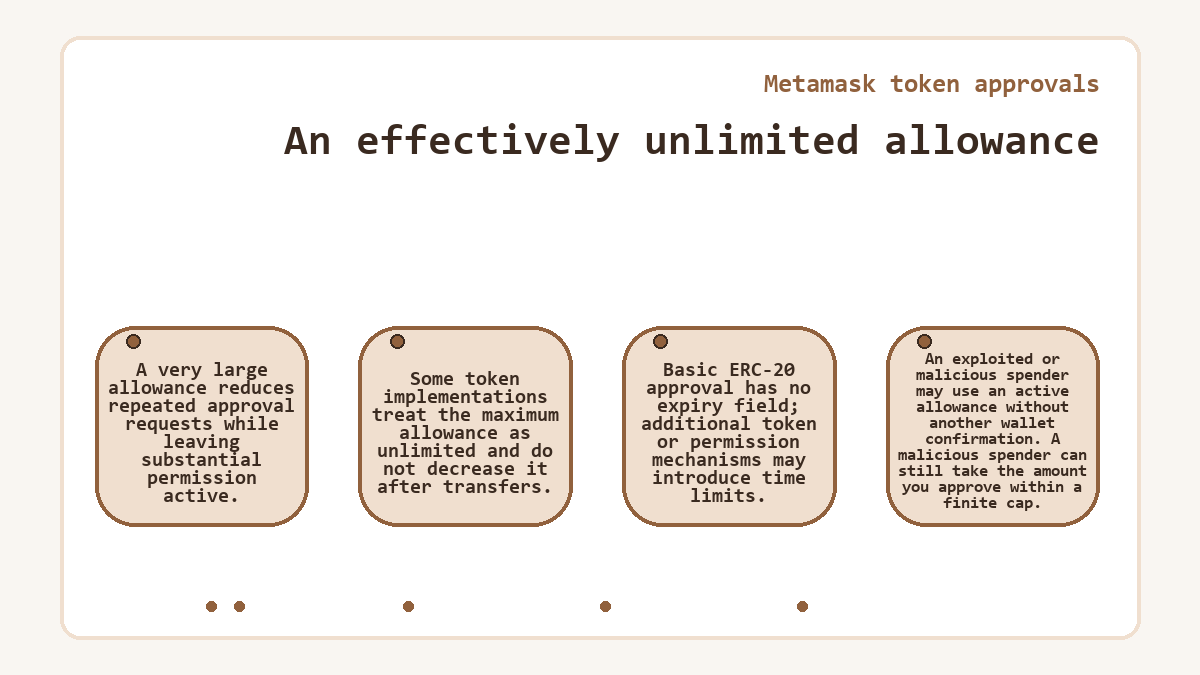
A malicious spender can still take the amount you approve within a finite cap.
Reviewing an approval from request to recorded allowance
Consider an app requesting a finite allowance for a token you hold. Before signing, compare the requested spender and token contract with the action you intend. For a conventional approval transaction, the permission becomes effective only when the token contract successfully processes it.
| Approval stage | What the approval stage requires |
|---|---|
| Review the requested token, spender and cap | The correct account and network, plus the intended spender and token amount |
| Authorize and submit the approval | Control of the approving account and funds for any network fee charged to that account |
| Reconcile the recorded allowance before the app action | A successful transaction record and the allowance for that owner, token and spender |
Rejecting an unsigned request grants no new allowance and incurs no on-chain approval fee.
On the normal path, the recorded allowance matches your chosen cap, allowing the app action to use it. If the approval remains pending or reverts, do not treat submission as permission already granted. Check the existing allowance before retrying. If an unwanted approval succeeded, a revocation can remove its remaining authority after execution. It cannot retrieve tokens the spender already transferred.
Does disconnecting an app revoke its token access?
Disconnecting an app does not revoke an existing ERC-20 allowance. The wallet connection lets a site interact with selected accounts through the wallet interface, while the token contract stores spending authority separately. Closing the browser, locking the wallet or removing that connection leaves the contract's allowance unchanged.
Setting an ERC-20 allowance to zero removes that spender's remaining authority through that allowance. This affects the specified token and owner on the selected network. Other spenders retain their own permissions. Approval-management tools, including the wallet's Portfolio spending-cap view on supported networks, can help display recorded allowances and prepare revocations. Their network coverage does not determine where the underlying token standard works.
Revocation costs and the limits of recovery
An on-chain revocation consumes gas because it changes contract state. Its cost depends on execution work and the network's fee conditions, rather than the token amount you are revoking. The confirmation's fee-payment method determines what the account must have. Conventional self-funded transactions use the network's native gas token.
A reverted revocation leaves the allowance unchanged, although its execution can still consume gas.
Until a revocation takes effect, the spender may still use the existing allowance. Removing permission cannot reverse a completed token transfer.
Stolen signing keys create a separate problem. Someone controlling the account can grant fresh permissions or send assets directly, so revoking one spender does not restore exclusive account control. If a sweeper automatically takes incoming funds, adding tokens for gas can lose those funds too. The compromised address remains exposed even when its recorded allowances are zero.
Signed allowances and transfer authorizations
The signed message determines whether a request sets an allowance or authorizes a transfer. Signing can carry spending authority even when it incurs no blockchain fee itself.
ERC-2612 permits
Tokens implementing ERC-2612 can accept an allowance authorized through a signed message, but creating the signature does not itself update token-contract state. Someone must submit it for execution. The ERC-2612 deadline limits when the signed permit can be accepted on-chain. It does not, by itself, expire the resulting allowance. A valid unused permit may recreate an allowance after a conventional zero-allowance revocation; its deadline and nonce determine whether the token contract can still accept it. The token contract checks the owner's current nonce to prevent signature replay.
Permit2 permissions
Permit2 requires a token-level approval to the Permit2 contract before it can move that token. It then separates reusable app allowances from one-time transfer signatures. Its AllowanceTransfer mechanism stores a spender's amount and expiration, while SignatureTransfer consumes a transfer authorization without leaving a reusable app allowance. The underlying token approval to Permit2 remains separate. An app permission expiring does not automatically remove that token-level approval, so revocation must address the applicable layer.
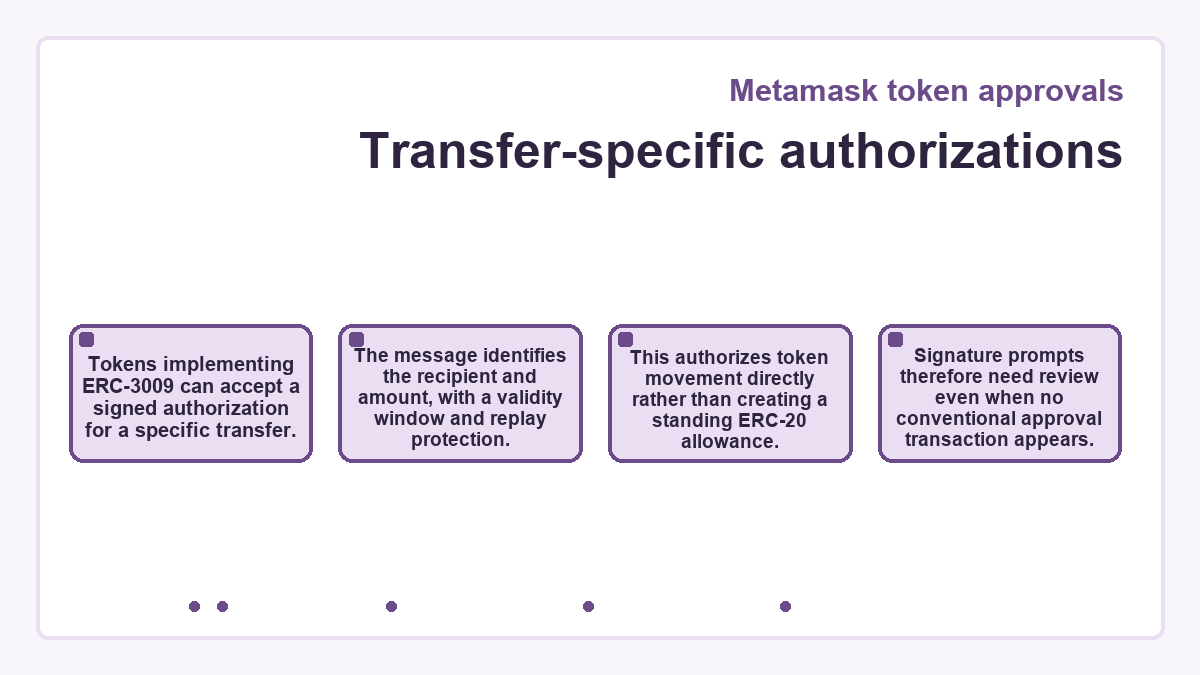
Transfer-specific authorizations
Tokens implementing ERC-3009 can accept a signed authorization for a specific transfer. The message identifies the recipient and amount, with a validity window and replay protection. This authorizes token movement directly rather than creating a standing ERC-20 allowance. Signature prompts therefore need review even when no conventional approval transaction appears.
NFT operators and timed smart-account access
The permission type sets its scope: NFT operators and smart-account delegations do not inherit every rule of a standard ERC-20 allowance.
Permission for one NFT or an entire contract
Both ERC-721 and ERC-1155 use
setApprovalForAll
for operator access across the owner's tokens in that contract, including later acquisitions, while ERC-721 additionally permits approval for one individual non-fungible token, or NFT. The individual approval resets when that NFT transfers; a transfer does not itself revoke operator access. Operator revocation uses
setApprovalForAll
with
false, while
isApprovedForAll
reports the operator's permission status. For an individual ERC-721 token,
getApproved
returns the approved address, or the zero address when no individual approval exists. These permissions lack an ERC-20-style numeric spending cap, so a small allowance elsewhere does not limit their reach.
Permissions with spending periods and expiry
In supported browser-extension flows, apps using ERC-7715 can request advanced permissions backed by smart-account functionality, with spending limits, recurring access or expiry governed by the requested permission and supporting app. A basic ERC-20 allowance does not gain those time limits merely because the wallet supports smart accounts. A finite allowance limits cumulative access, while a supported timed permission can additionally limit when access is valid.
Frequently asked questions about Metamask token approvals
Can an approval remain active after my token balance reaches zero?
An allowance can remain active even when the associated token balance is zero. An unused finite allowance or an unlimited approval may let the spender access tokens received later by the same account, while the permission remains valid. Emptying the balance does not itself revoke that permission.
Does an ERC-20 spending cap apply to native ETH?
Native ETH does not use ERC-20 allowances. ERC-20 wrapped versions of native coins may require approvals. A contract interaction can still include a native-coin payment, so the attached transaction value remains separate from its token spending cap.
Is the wallet's Max option the same as an unlimited approval?
In the custom spending-cap flow, Max fills in your displayed balance of the selected token. The site suggestion supplies the app's requested amount, which may be much larger. An effectively unlimited allowance is different from a balance-sized cap, so inspect the final token amount before approving.
When does an allowance need a zero reset before a new cap?
Some token contracts require an existing nonzero allowance to become zero before accepting another nonzero value. Changing one nonzero cap directly to another can let a spender use both the old and new allowances through transaction ordering. A reset cannot recover tokens already spent under the earlier permission.
Which approval record should I check when two tokens share a symbol?
Identify the permission by its token contract, owner address, spender address and network. A symbol is token metadata and does not establish uniqueness. An allowance for a contract with the same symbol does not authorize spending from a different token contract, even when both appear in the wallet.
Will a hardware wallet stop an approved spender from moving tokens?
A successfully executed approval signed with a hardware wallet creates the same token-contract permission as another valid approval. The spender can use that permission without a fresh signature from the hardware device. Hardware signing protects key storage; it does not impose extra limits on an allowance you have authorized.
How can reinstalling the wallet affect my existing token approvals?
Reinstalling changes the wallet software, while existing ERC-20 allowances remain in token-contract state. An allowance stays associated with its owning address on that network. Restoring access to the same address lets you manage those permissions again; a new installation does not revoke an existing spender.
· last updated